Download Indibet App APK
Download Indibet APP and get bonus up to 25,000 inr
 Download App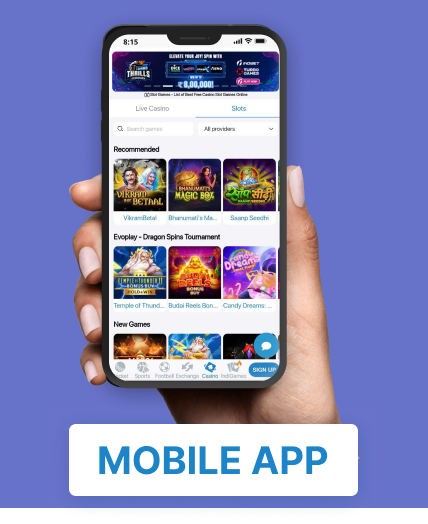
Why Download the Indibet App?
Download the Indibet App and enjoy seamless sports betting anytime, anywhere from your mobile device. The Indibet mobile app provides quick access to cricket betting, football betting, live casino games, slots, and exclusive promotions, all in one place.
Installing the Indibet APK is simple and takes just a few minutes. Once installed, you can log in securely and access all the features available on the desktop version, ensuring a smooth and convenient betting experience.
The Indibet Mobile App offers live match updates, betting history, real-time odds, secure payment options, and an easy-to-use interface designed for both new and experienced players. Stay updated with the latest sports events, track your bets, and place wagers instantly from your smartphone.
Whether you’re betting on cricket, football, tennis, or exploring casino games, the Indibet Mobile App delivers fast performance and reliable access wherever you are. Download the latest Indibet APK today and enjoy a secure, feature-rich betting experience on your Android device.
Download the Latest Version of the Indibet APK
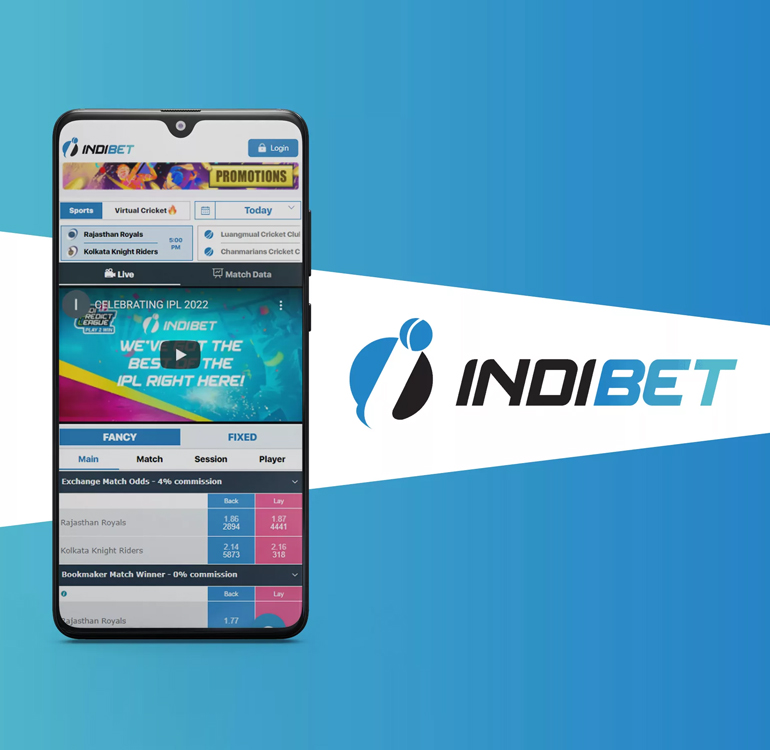
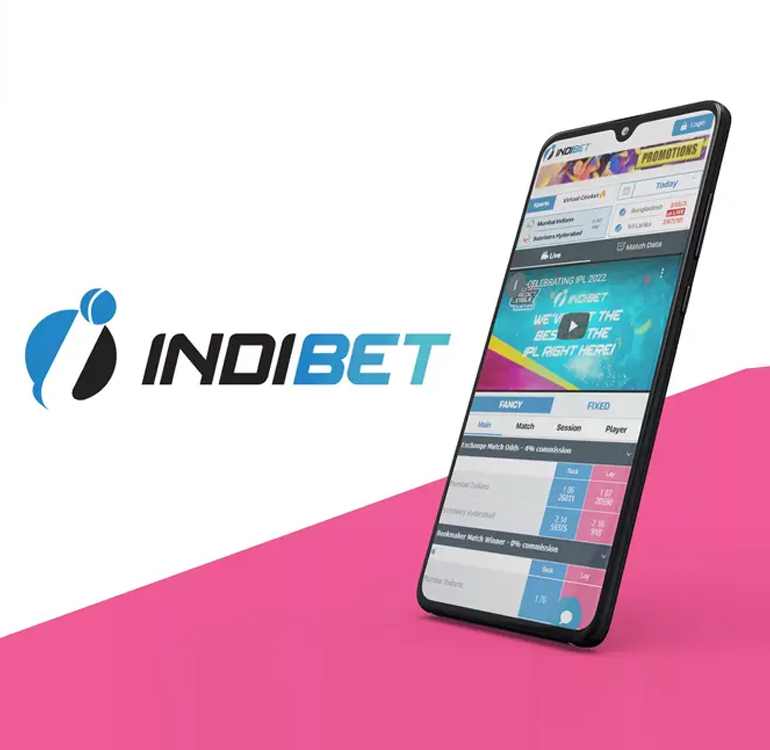
Once you’ve successfully downloaded and installed, click on the Indibet Login Button, and you can enjoy the convenience of watching live cricket matches and placing bets on your smartphone. Additionally, you have the option to engage in a live casino game like Aviator, Lucky 7, and JetX while eagerly awaiting the match outcomes. Don’t forget to explore the free betting tips section for invaluable IPL betting advice using the IPL betting app before you make your wagers
Last Updated: June 2026
Current Version: Latest Android Version
Compatibility: Android 8.0 and Above
Installation Time: Less Than 5 Minutes
System Requirements
To ensure a smooth installation process for our mobile application, our skilled developers have crafted it to be exceptionally lightweight. This means that a wide array of Indibet Live platform betting enthusiasts can effortlessly install it on their smartphones and access odds. You can relish all the software’s benefits and utilise cricket betting tips to make your wagers.
| APK Size | 27.4 MB |
| Minimum Screen Requirements | Small |
| Operating System Requirements | Android 3.0 or higher |
| Latest Version | 1.0 |
| APP Copyright | By INDIBET (Curacao) Ltd |
| APP Price | Free |
How to Install the Indibet App APK: Step-by-Step Guide
No professional expertise is required; simply follow the instructions below, and you’ll be able to complete the installation in under two to three minutes:
- Join our membership program by accessing the Indibet Website.
- For play, click Indibet game login to your existing account, or click Indibet register for a new one if you haven’t done so already.
- Please go to our Indibet betting page, where you can locate the Indibet app download link.
- Download the app and proceed to install it on your mobile device.
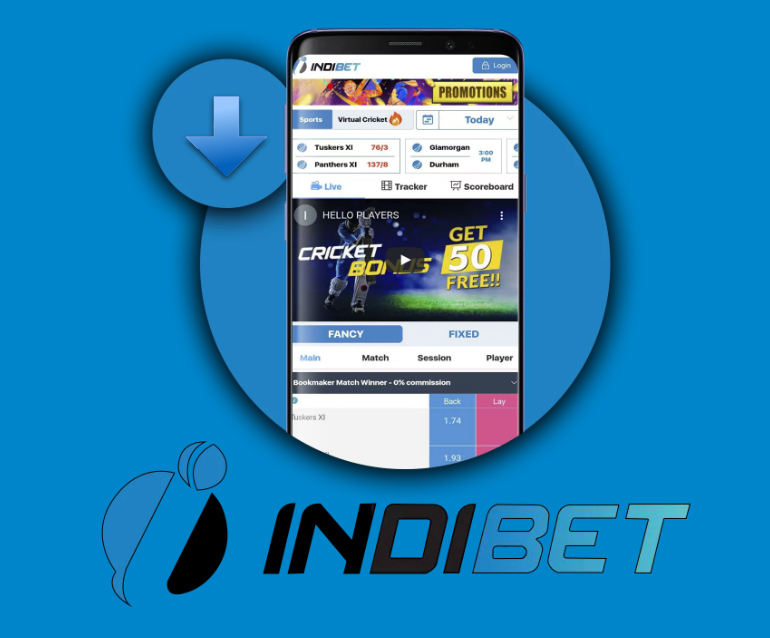
How to Download the Indibet Betting App: APK & Mobile Installation Guide
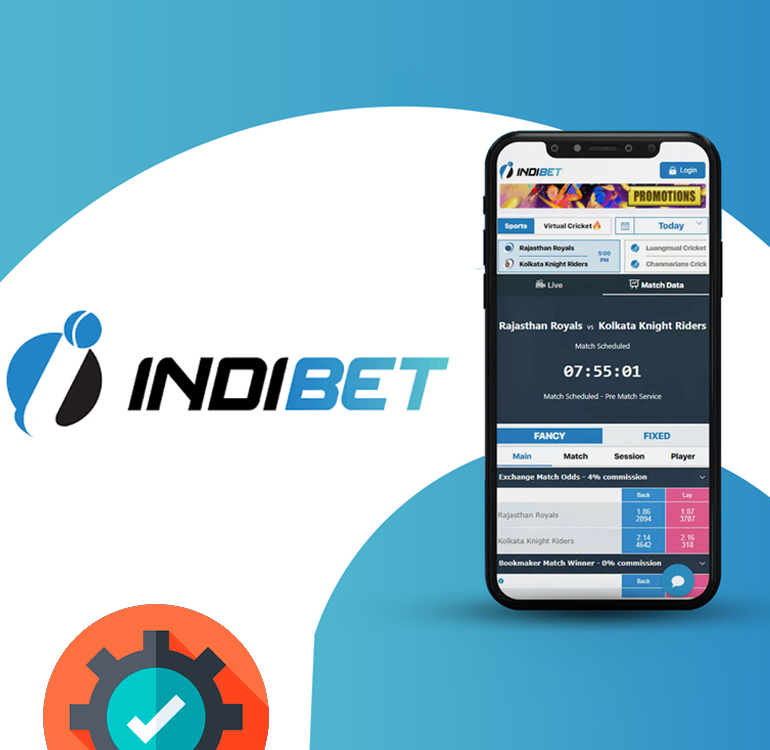
We highly advise utilising the official mobile application download link provided on our website.
- Proceed from our Indibet online betting website to access the page for downloading the mobile application.
- Next, you should download the application and store it on your phone.
- Afterwards, you’ll need to download and save the application onto your mobile device. Once the download is complete, you can find the installation file in your phone’s storage.
Indibet APK Installation Guide: Download & Install the App Easily
Before starting the installation process, kindly ensure that you grant the necessary permissions for it to run:
- Go to the “Settings” mode on your device.
- Choose the “Security” option, which might also be indicated as “Sup.” or “Privacy”.
- Activate the option to install apps from unverified sources. This will permit you to install applications from locations outside the official app store.
- Open the file you downloaded from the website.
- Wait for the installation process to complete.
Sometimes, it is advisable to reboot the device to initiate the program correctly.
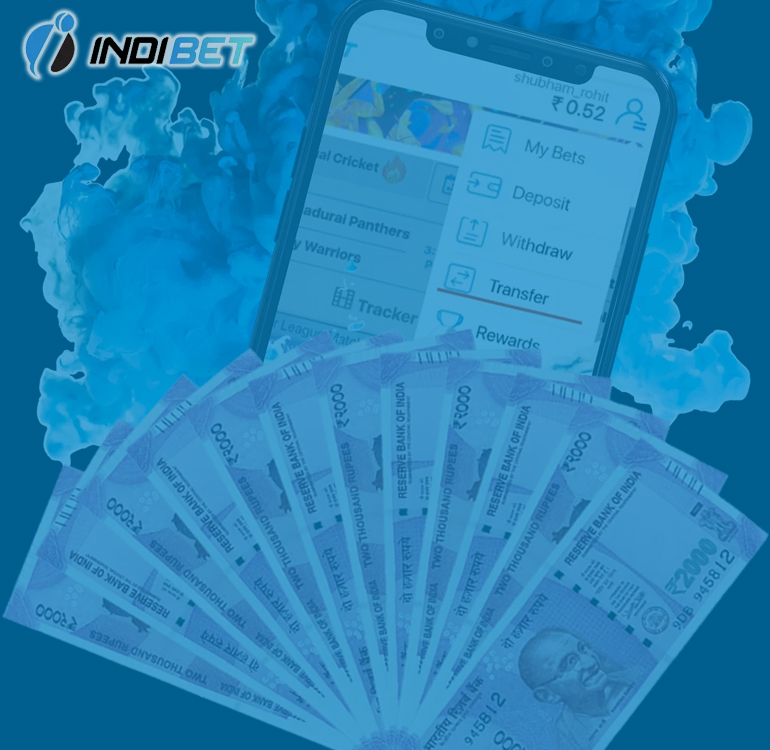
Indibet App Payment Methods: Deposit & Withdrawal Options
The Indibet App offers a range of payment methods for both Deposit and Withdrawal, each with its specific minimum and maximum limits.
Sure, here’s the table:
| Payment Method | Minimum Deposit | Maximum Deposit | Minimum Withdrawal | Maximum Withdrawal |
| Net Banking | 500 INR | 1,000 INR | 50,000 INR | 200,000 INR/day |
| UPI | 500 INR | 1,000 INR | 50,000 INR | 200,000 INR/day |
| Skrill | 500 INR | 1,000 INR | 50,000 INR | 200,000 INR/day |
| Neteller | 500 INR | 1,000 INR | 50,000 INR | 200,000 INR/day |
| AstroPay | 500 INR | 1,000 INR | 50,000 INR | 200,000 INR/day |
The deposit is instant in all the listed transfer systems.
Withdrawal takes 1 ~ 3 business days, depending on the system used.
How to Use the Indibet App: Place Bets on Your Mobile Device
By following these steps, you can confidently and safely engage in sports betting on the INDIBET app with ease:
- Before placing a bet, kindly confirm that you have registered as a player on the app and that the minimum deposit amount has been successfully credited to your account.
- Log in to your Indibet account on the app.
- Select a sport or esports event for betting.
- Examine the betting odds for the event or multiple events you’d like to bet on.
- Preview the event statistics prior to making your bet.
- Select one or more preferred bet types for placement.
- Place your bet.
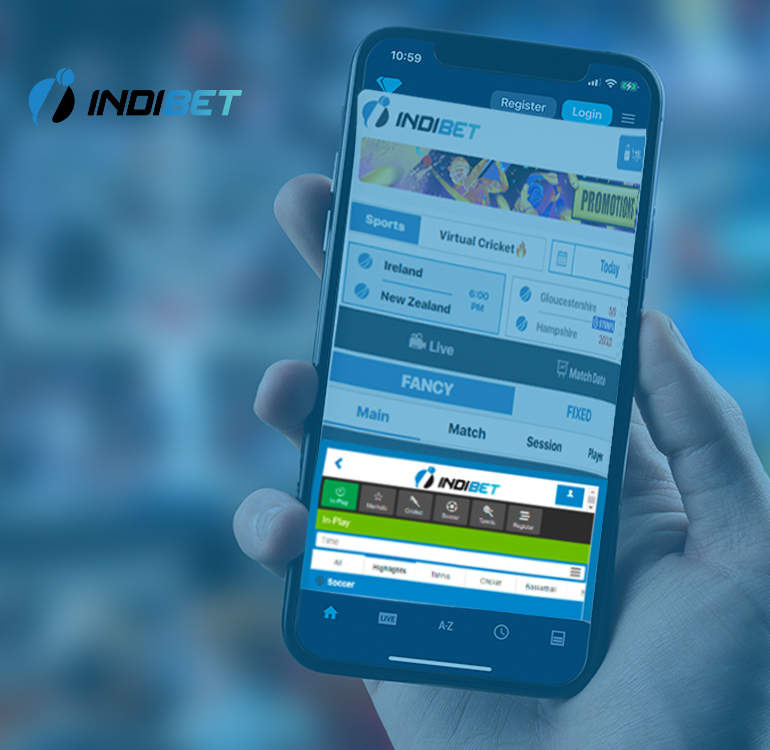
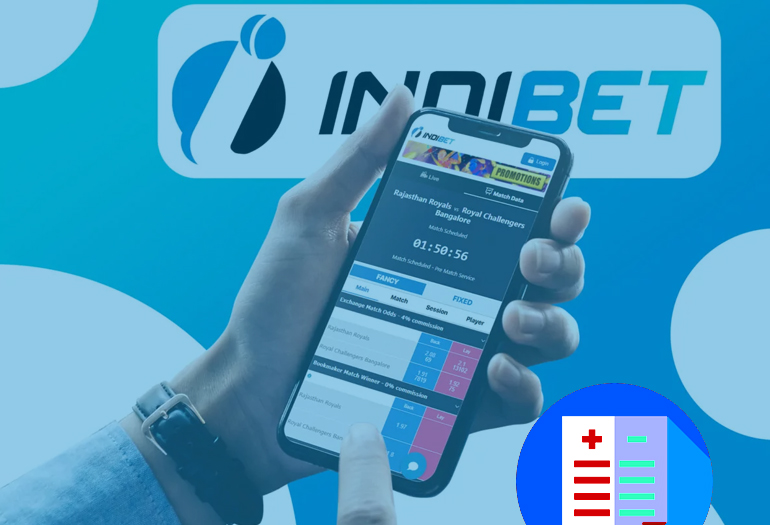
Indibet App Review: Features, Pros & Cons
Pros
- Enables fast and convenient betting anytime, anywhere.
- Provides a seamless betting experience without the need to use a web browser.
- Offers quick and easy access to customer support.
- Allows users to track live events, odds, and betting activities in real time.
- Features an intuitive interface for smooth navigation and betting.
- Provides access to a wide range of sports betting and casino gaming options.
Cons
- Requires a compatible Android device to download and install the APK.
- Users may need to enable installation from unknown sources on their device.
- App availability may be subject to local laws and regulations in certain regions.
This version sounds more professional, balanced, and trustworthy while maintaining strong SEO relevance for Indibet App, sports betting, and mobile betting.
Indibet Mobile App vs Mobile Website – Which is Better?
For individuals seeking convenient and secure access to all their beloved Indibet features, the Indibet Mobile website offers an outstanding solution. You can explore it from any location with an internet connection, eliminating the necessity to download multiple standalone apps!
The mobile website offers a user-friendly interface that prominently showcases all features. This enables customers to easily place bets on sports events by selecting their preferred event, checking the event date, and reviewing the odds and rates.
Indibet provides an extensive selection of sports for betting, encompassing Cricket | Football Betting | Basketball Betting | Tennis Betting| Baseball | Rugby | Boxing | Formula 1 | MMA | Chess | Cycling | Golf | Snooker | Hockey
Indibet dedicated mobile platform, Cricketbook, caters exclusively to cricket enthusiasts seeking uninterrupted cricket betting experiences. This platform provides users with comprehensive cricket predictions and complementary betting tips for all cricket matches, game aspects, and leagues. By leveraging these cricket betting insights and accessing online cricket betting platforms, players can make well-informed wagers, enhancing their prospects of striking it big within the numerous IPL betting opportunities on offer.
INDIBET
Indibet App vs Website – Mobile App Comparison Guide
Here’s a quick comparison of the Indibet mobile app and the mobile version of the Indibet website:
| Feature | Mobile App | Mobile Website |
| Instant messages from the platform | Available | Not available |
| Participation in the Sports Exchange online | Available | Not available |
| High-quality graphics for online casino games | Available | Poor graphics quality |
| Direct messages to the phone | Available | Not available |
Why Choose the Indibet Mobile App?
The Indibet App is designed to provide a smooth and user-friendly experience for Android users who prefer mobile access over desktop browsing. With a fast-loading interface and optimized mobile performance, the application allows users to access sports markets, account features, and live betting options directly from their smartphones.
One of the key advantages of the Indibet Mobile App is convenience. Users can access their accounts anytime without opening a browser, making navigation quicker and more efficient. The app is optimized for Android devices and delivers a responsive experience even on mid-range smartphones.
Key Features of the Indibet App
- Fast and secure account login
- Quick access to sports betting markets
- Mobile-friendly interface
- Live match updates and betting options
- Easy deposits and withdrawals
- Optimized performance for Android devices
- Regular app updates and improvements
Download Indibet App for Android
Users looking for a seamless mobile experience can complete the Indibet App Download process in just a few minutes. The latest Android version is designed to provide improved speed, stability, and compatibility with modern devices.
The application supports a wide range of Android smartphones and is regularly updated to ensure a better user experience. Before installation, users should ensure that their device has sufficient storage space and an active internet connection.
Indibet App Login and Account Access
The Indibet App Login process is simple and secure. Existing users can access their accounts using their registered credentials, while new users can complete the registration process directly through the platform.
The mobile application allows users to manage their accounts, view betting history, monitor transactions, and access platform features from a single dashboard.
Android Compatibility
The latest version of the Indibet Android App is compatible with most Android devices running Android 8.0 and above. The application is designed to deliver a consistent experience across different screen sizes and operating system versions.
Regular updates help improve app performance, security, and overall usability, ensuring users can access the latest features available on the platform.
Latest App Updates
The Indibet Mobile App receives regular updates that focus on:
- Faster loading speed
- Improved mobile performance
- Enhanced account security
- Better user experience
- Bug fixes and stability improvements
Users are encouraged to keep the application updated to access the newest features and improvements.